OfflinAI Chat Lite
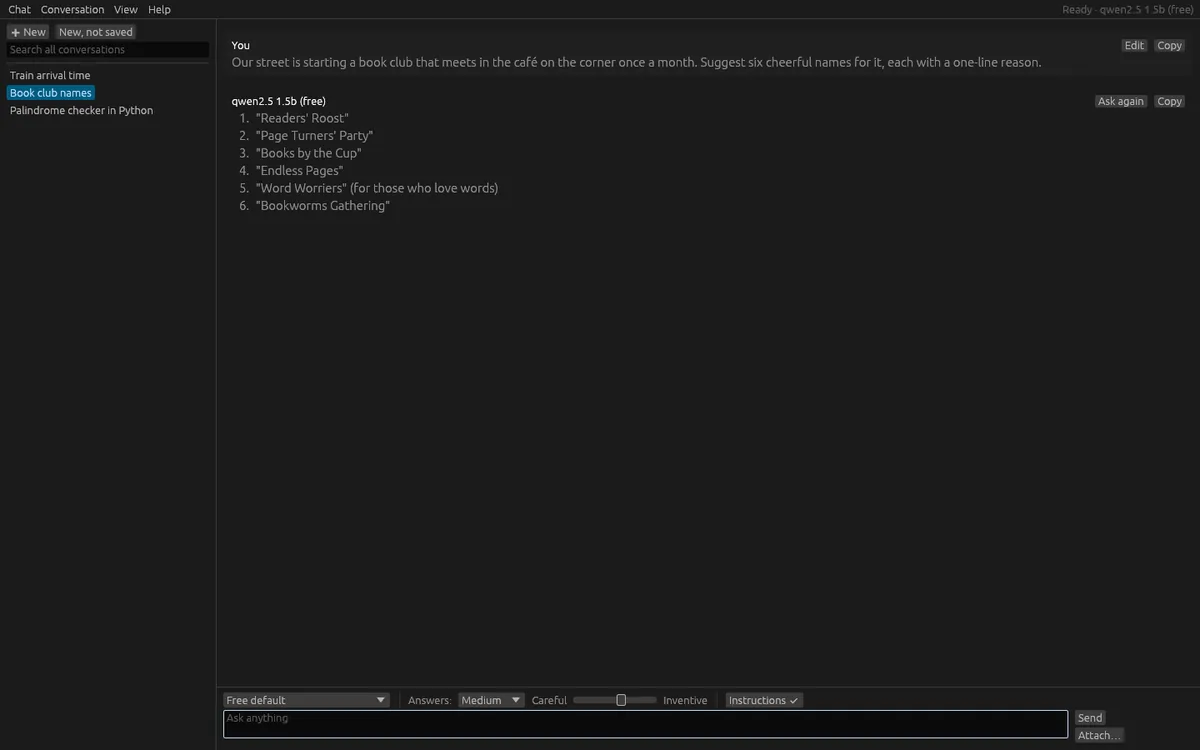
A private chat window that opens at once. Ask a question and the answer streams in from OfflinAI Server on your own PC. No account, no cloud.
Coming soon to the Microsoft Store
About the app
OfflinAI Chat Lite is a private chat window that opens at once. Type a question and press Enter, and the answer streams in as it is written from OfflinAI Server running on your own PC. Press Esc or Stop to end an answer part-way and keep what was written.
The chat needs OfflinAI Server. Without a model, the app still opens, and you can read and search your history, but it says plainly that answers need OfflinAI Server. See offlinai.com.
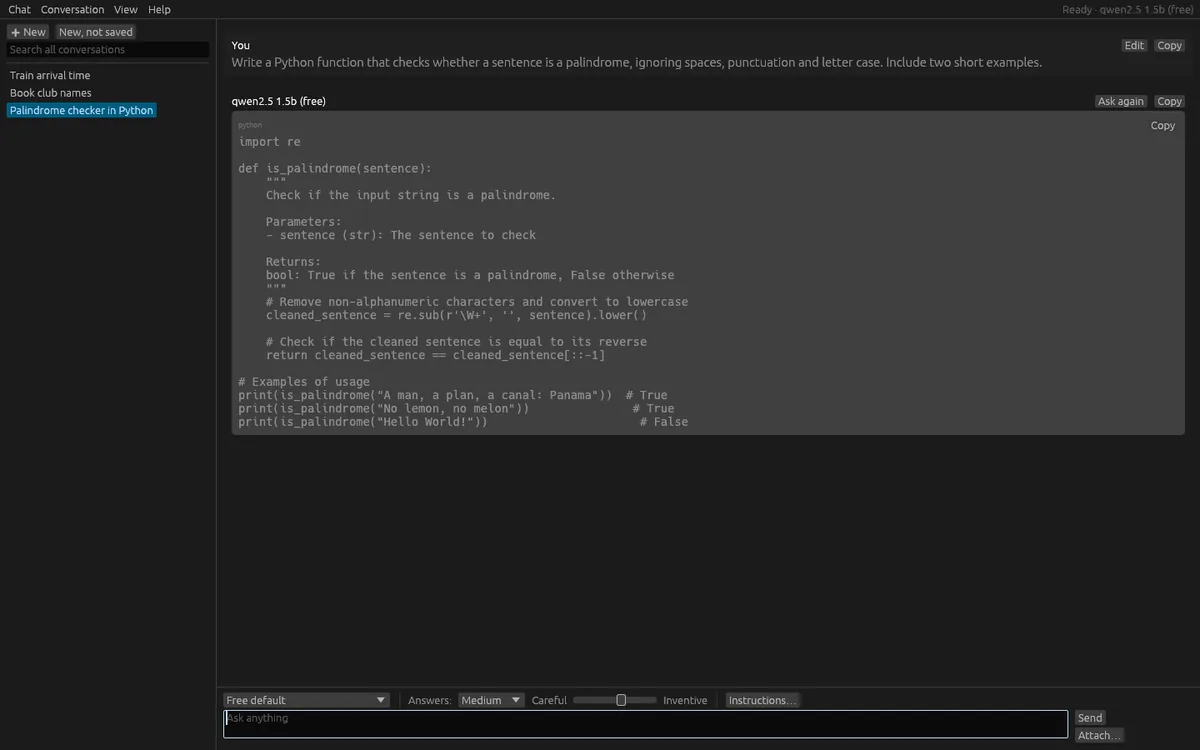
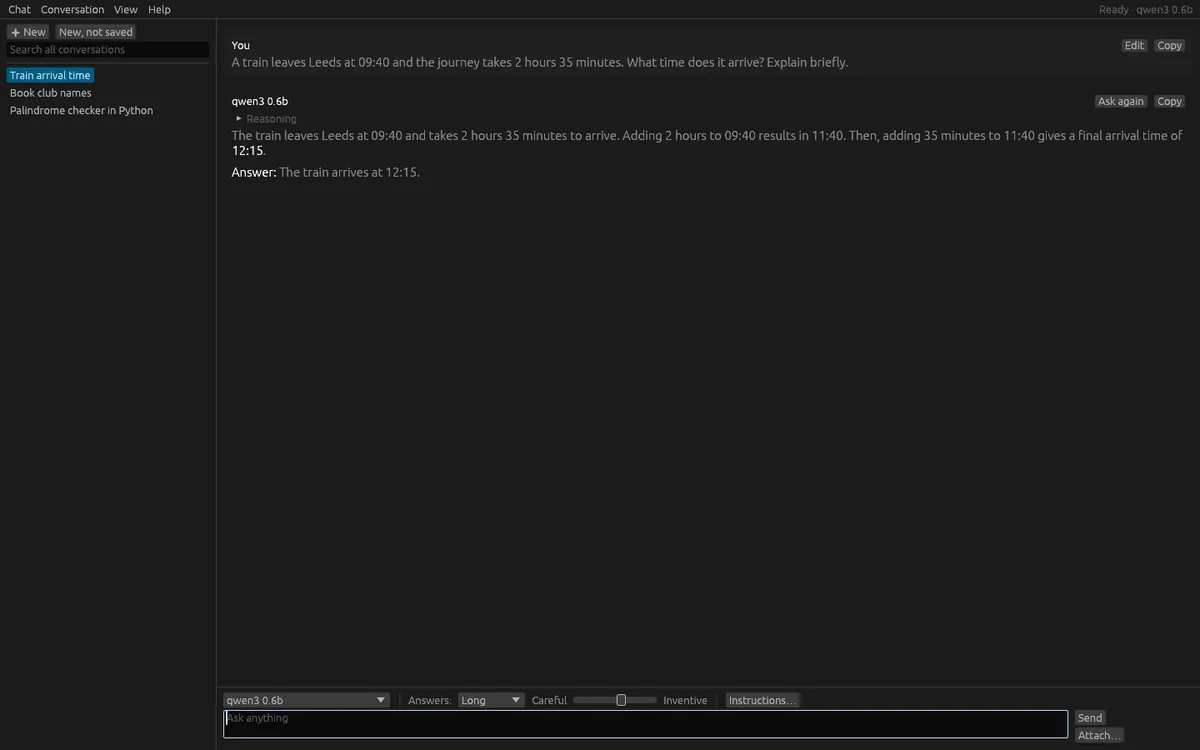
A model that reasons before it answers has its reasoning kept apart and folded away under "Reasoning". Answers are shown as Markdown, with headings, lists, tables, quotes and code blocks that each have a Copy button. You can ask again, edit an earlier question, and attach text, Markdown, PDF, .docx, .odt, .rtf, HTML or CSV files, or pictures. A picture is used only when a picture model is ready.
Conversations are encrypted on your computer, using a key kept in the system keychain. You can rename, pin and delete them, with a short undo. Search as you type across all conversations, or find words inside the open one. A conversation can be started that is not saved at all, and is gone when you close the window. Export a conversation as Markdown or JSON, back up everything to one file and restore it on another computer, and import conversations exported from other chat services.
Each conversation has a few plain controls: the model, how long answers can be (Short, Medium or Long), how inventive they are, and optional instructions such as "answer as a careful editor". The list of models shows those suited to chat, with the free default marked. Long conversations keep working: the newest turns go to the model and the answer notes how many older ones were left out.
Keyboard shortcuts cover new conversations, ask again, find, search all, the list and text size. Light and dark follow Windows.
Everything stays on your device. There is no account, and no data is sent to OfflinAI. By default the only connection the app makes is to OfflinAI Server on your own PC. If an administrator has set a different OfflinAI Server address for the machine, the app uses that address instead.
Features
- Answers stream in from OfflinAI Server on your PC; stop part-way and keep what was written
- Reasoning kept apart and folded away; answers shown as Markdown with Copy on every message and code block
- Conversations encrypted on your PC; rename, pin, delete with undo, search as you type, find in a conversation
- Attach text, PDF, .docx, .odt, .rtf, HTML or CSV files, or pictures when a picture model is ready
- Export as Markdown or JSON; back up and restore everything in one file; import other chat exports
- Per-conversation model, answer length, inventiveness and instructions; unsaved conversations for one-off questions
- No account and no cloud; light and dark follow Windows
Screenshots