OfflinAI Read Aloud Lite
Listen to your text instead of reading it. Type, paste or open a document, hear it sentence by sentence, and save it as an audio file.
Coming soon to the Microsoft Store
About the app
OfflinAI Read Aloud Lite is a small window for listening instead of reading. Use it to proof-listen your own writing, for accessibility, for learning, or to make narration you can save as audio.
Type, paste or open text: plain text, Markdown, PDF, .docx, .odt, .rtf, e-books, mail and saved web pages. You can also drop a file on the window. Texts up to 3 MB are accepted, about 500,000 words. The app reads saved web pages from a file and fetches nothing from the internet.
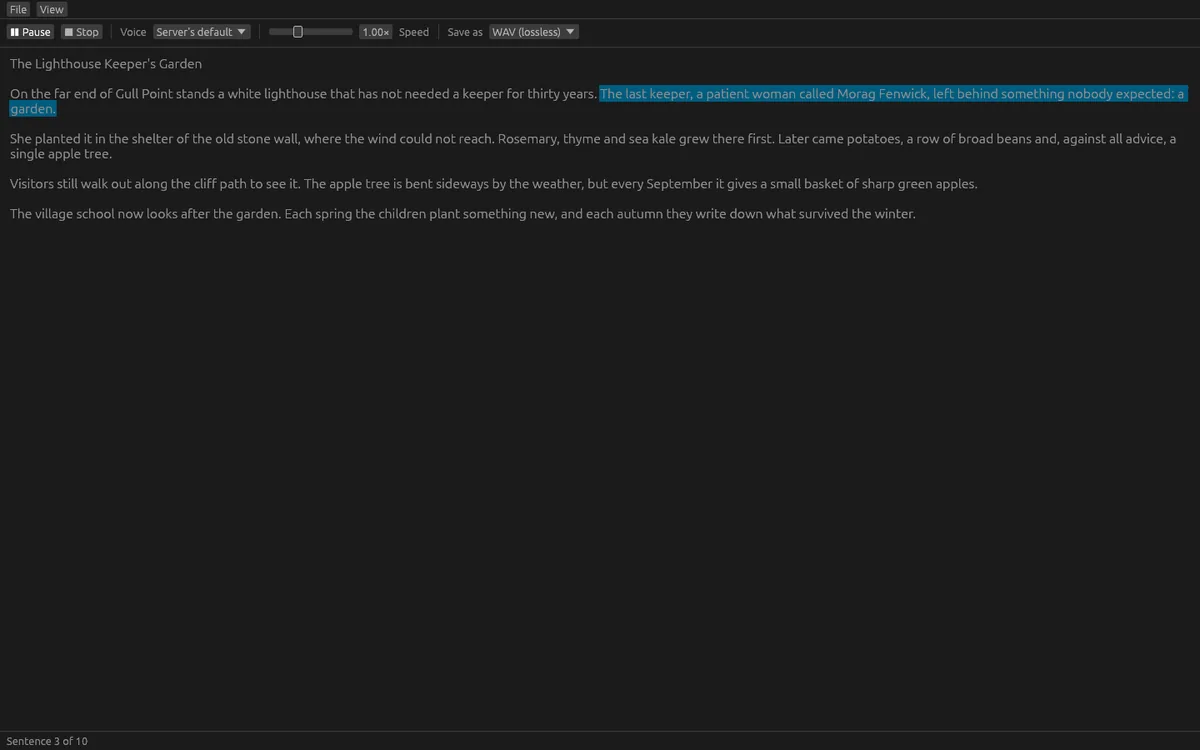
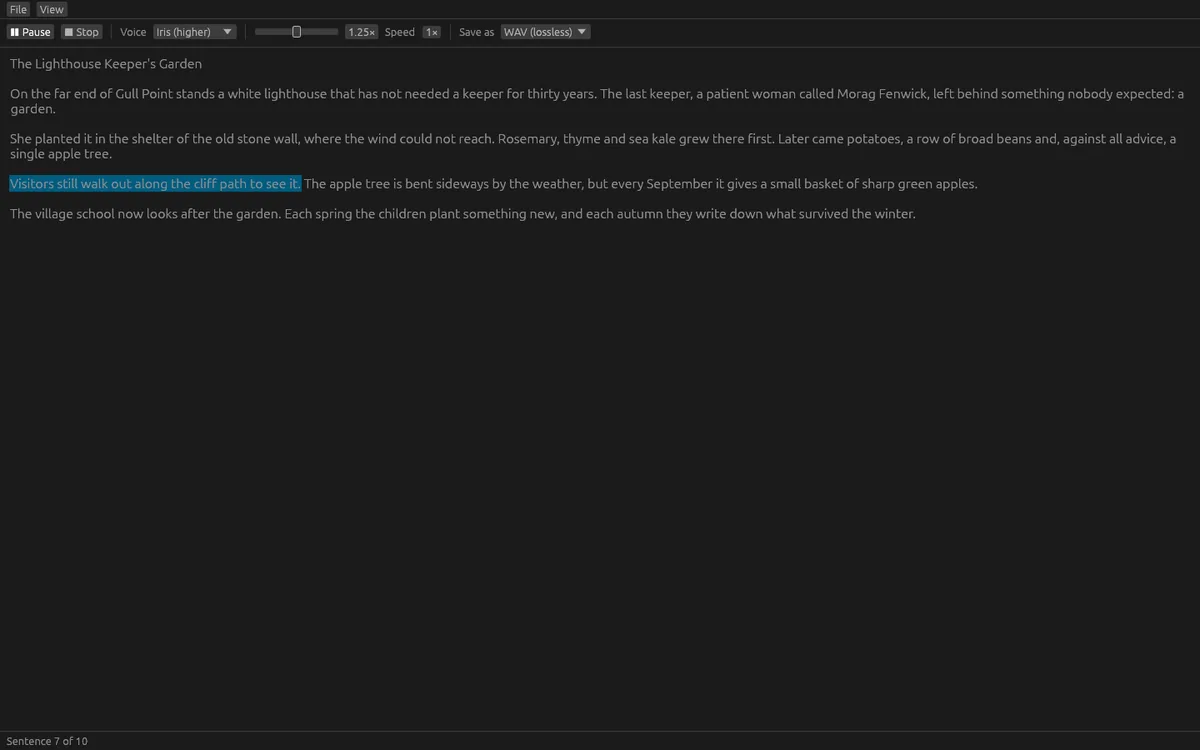
The text is read aloud sentence by sentence, starting within a moment. The sentence being spoken is marked in the text and kept in view. You can pause, continue from where you stopped, or stop. Choose from the four built-in voices of OfflinAI Server (Ember, Iris, Cedar and Flint) and set the speed from half speed to double speed without changing the pitch.
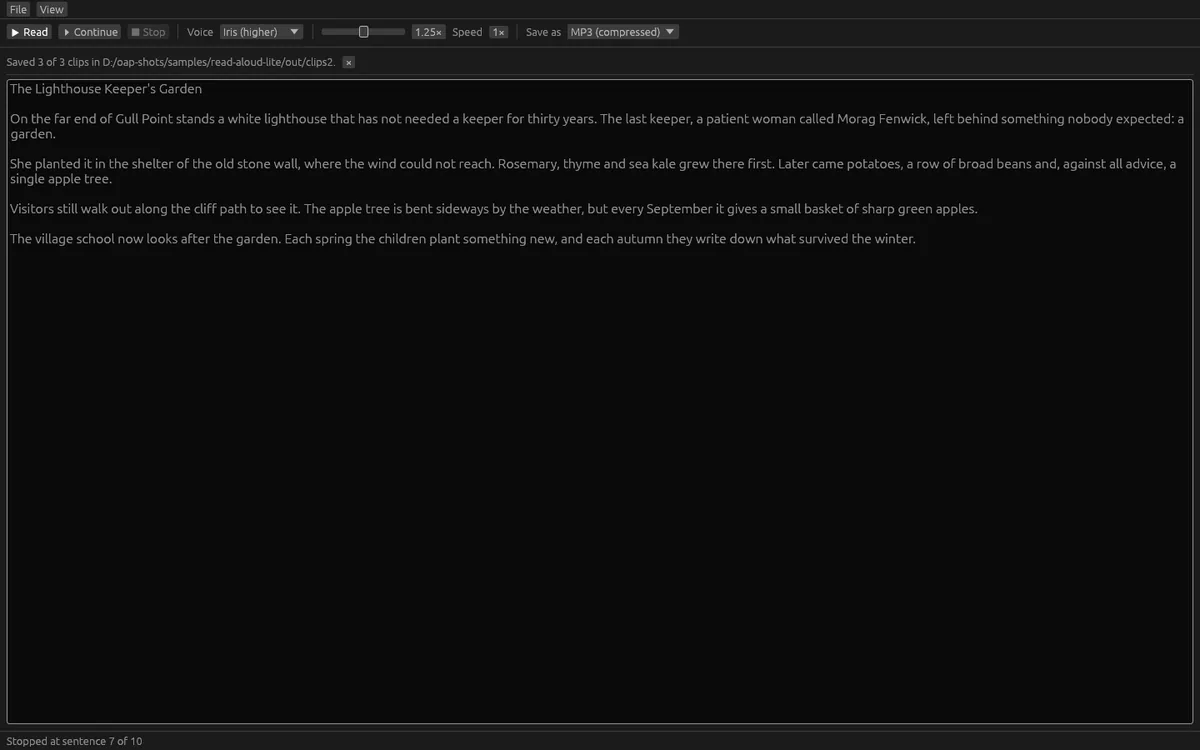
Save the whole text as a WAV, FLAC or MP3 audio file. MP3 uses Windows' own encoder. You can also make many short clips at once, with one line of text per clip, saved to a folder with a naming pattern. Files already in the folder are never replaced. Long texts are handled without freezing the window, with a progress bar and a Stop button.
Every audio file you save says that it is AI-made, in the file's own metadata. When OfflinAI Server is set to sign speech, a WAV of up to 4,000 characters at normal speed is saved exactly as the server sent it, and keeps its signed record. Longer texts, other speeds, FLAC and MP3 carry the app's AI-made mark but no signed record.
Speech comes from OfflinAI Server running on your own PC. Without a server or a voice, the app tells you how to get one; the first use downloads the voice. A sentence the voice cannot say is skipped and counted. Voice cloning is not included.
Everything stays on your device. There is no account, and no data is sent to OfflinAI. By default the only connection the app makes is to OfflinAI Server on your own PC. If an administrator has set a different OfflinAI Server address for the machine, the app uses that address instead. Sound plays on Windows.
Features
- Type, paste or open text, PDF, .docx, .odt, .rtf, e-books, mail and saved web pages
- Read aloud sentence by sentence with the current sentence marked; pause, continue and stop
- Four built-in voices and speed from 0.5x to 2x without changing pitch
- Save as WAV, FLAC or MP3, or make many short clips at once with a naming pattern
- Saved audio files carry an AI-made mark in their metadata
- Progress bar and Stop for long texts; clear notes when a voice is missing
- Uses OfflinAI Server on your PC; no account
Screenshots