OfflinAI Talk Lite
Talk to your own assistant out loud. A friendly animated face listens, thinks and speaks back, using OfflinAI Server on your PC.
Coming soon to the Microsoft Store
About the app
OfflinAI Talk Lite is a small window, which can stay on top, for talking to the assistant out loud when you are away from the keyboard, for example while cooking, or when using your hands or eyes is hard.
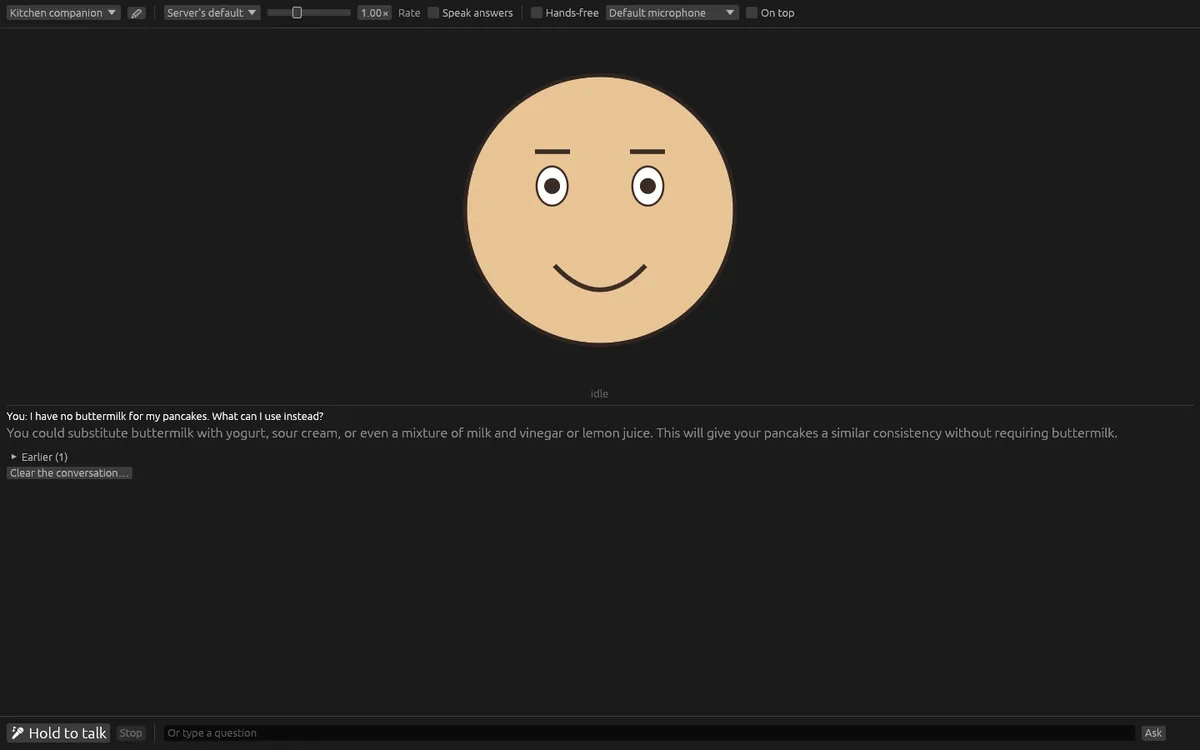
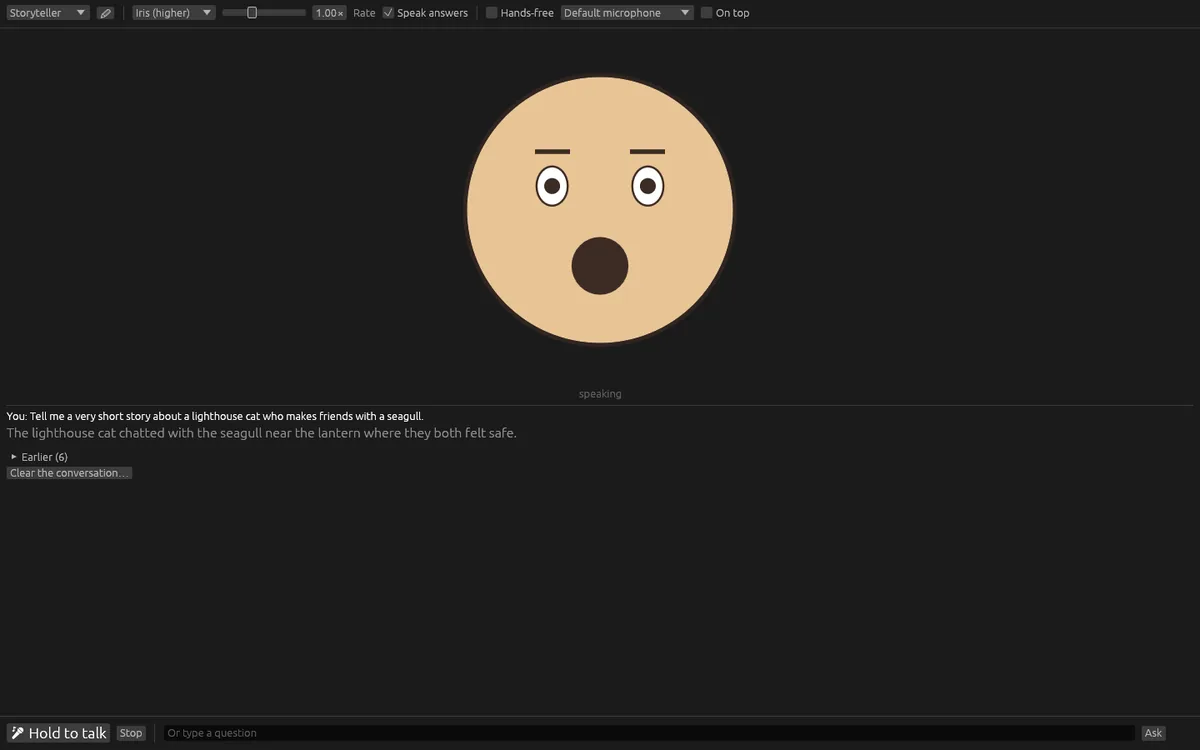
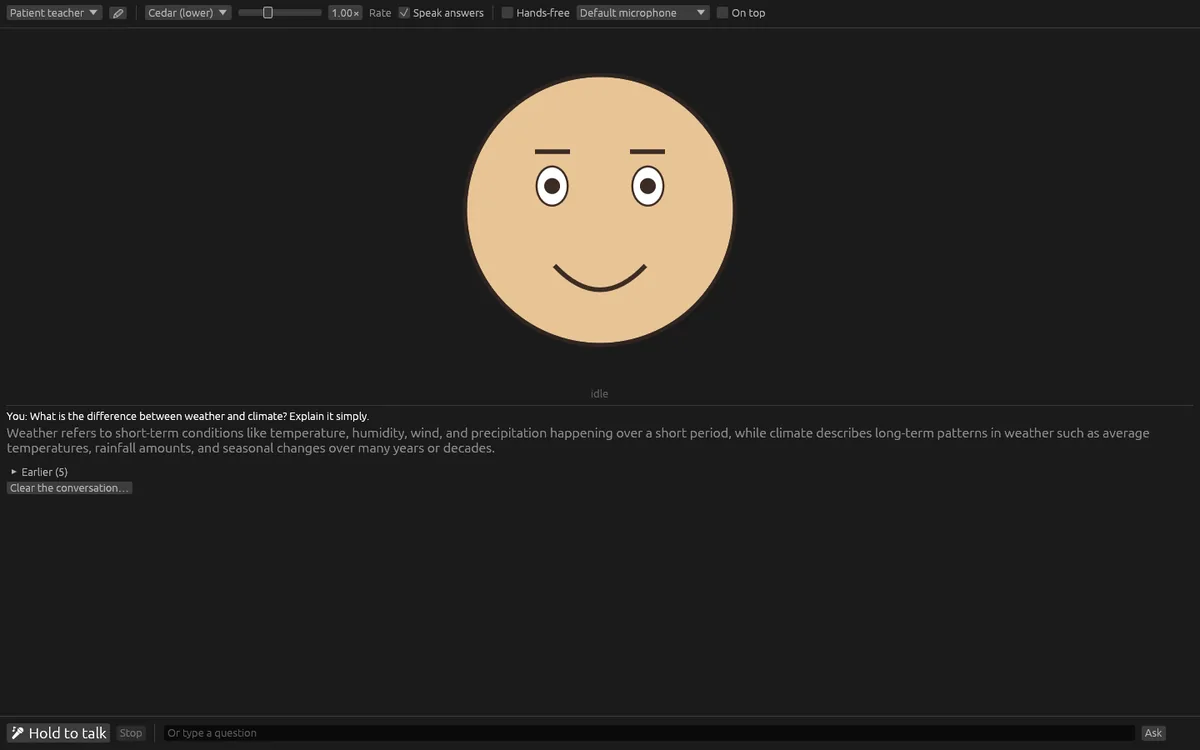
A friendly face drawn by the app shows what is happening: waiting, listening, thinking, speaking, or did not understand. The eyes blink, a ring pulses with your voice while it listens, three dots show it is thinking, and the mouth moves with the sound as it speaks.
Hold the button, or hold Space, and ask. Or turn on hands-free listening, and it answers each time you pause. The microphone is muted while the app thinks and speaks, so it never hears itself. The answer appears as it is written and is spoken back sentence by sentence. You can type questions too. The last question and answer show as text, and earlier ones fold away.
Choose one of four built-in voices, set the speaking rate from half speed to double speed without changing pitch, and choose whether answers are spoken. Pick a personality: Friendly helper, Patient teacher, Kitchen companion or Storyteller. You can edit their names and instructions, add your own, or reset them. Answers are asked to be short and easy to say aloud. Stop or Escape ends listening, thinking and speaking at once.
The conversation is encrypted on your computer, and the last six exchanges go with each new question. You can clear it; the app asks first.
Speech and answers come from OfflinAI Server running on your own PC. When something is missing, the app still does what it can and says what is missing: without a speech model, you type your questions; without a voice, answers are shown as text; without a chat model, the face looks puzzled. The first use downloads the models. Speaking with the microphone and playing sound work on Windows, and Windows must allow microphone access.
Everything stays on your device. There is no account, and no data is sent to OfflinAI. By default the only connection the app makes is to OfflinAI Server on your own PC. If an administrator has set a different OfflinAI Server address for the machine, the app uses that address instead.
Features
- Animated face that shows when it is listening, thinking, speaking or did not understand
- Hold a button or Space to ask, or listen hands-free and answer at each pause
- Answers appear as they are written and are spoken back sentence by sentence
- Four built-in voices, adjustable speaking rate, and a switch for spoken answers
- Editable personalities such as Friendly helper, Patient teacher and Kitchen companion
- Encrypted conversation on your PC that you can clear; Stop at any time
- Still works partly when a model is missing, and says what is needed
Screenshots